> For the complete documentation index, see [llms.txt](https://adornthemes.gitbook.io/vogal-theme/llms.txt). Markdown versions of documentation pages are available by appending `.md` to page URLs; this page is available as [Markdown](https://adornthemes.gitbook.io/vogal-theme/page-setup/blog.md).
# Blog
A blog is a great marketing tool for any online store. Blogging is a great way to inform your audience about your product. In a blog post, you can show how to use a product and why people should buy it.
**Step 1:**
[How to create a blog and write an article ?](http://docs.shopify.com/manual/your-website/blog-posts)
**Step 2:**
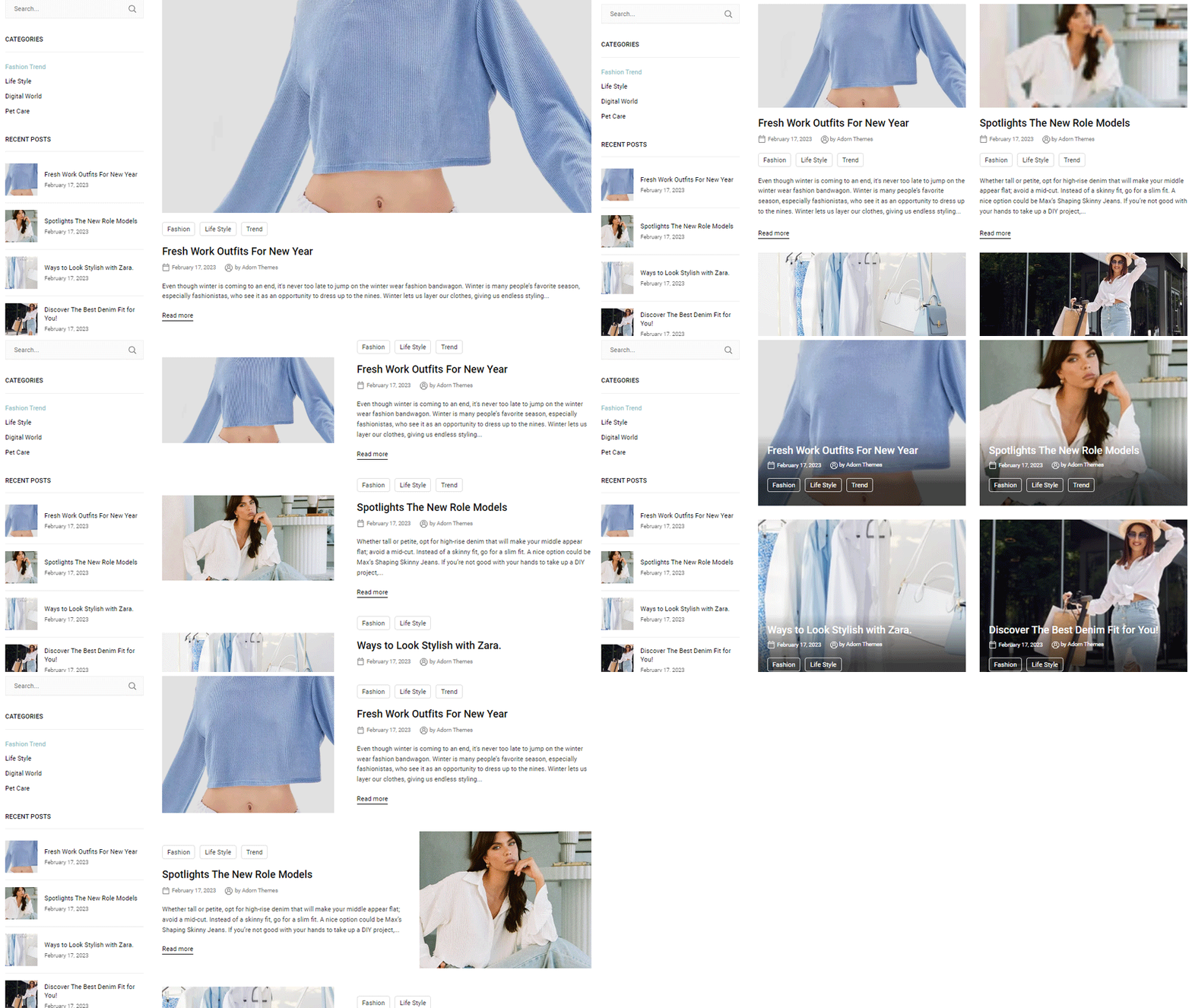
Configure blogs look from theme editor
{% hint style="success" %}
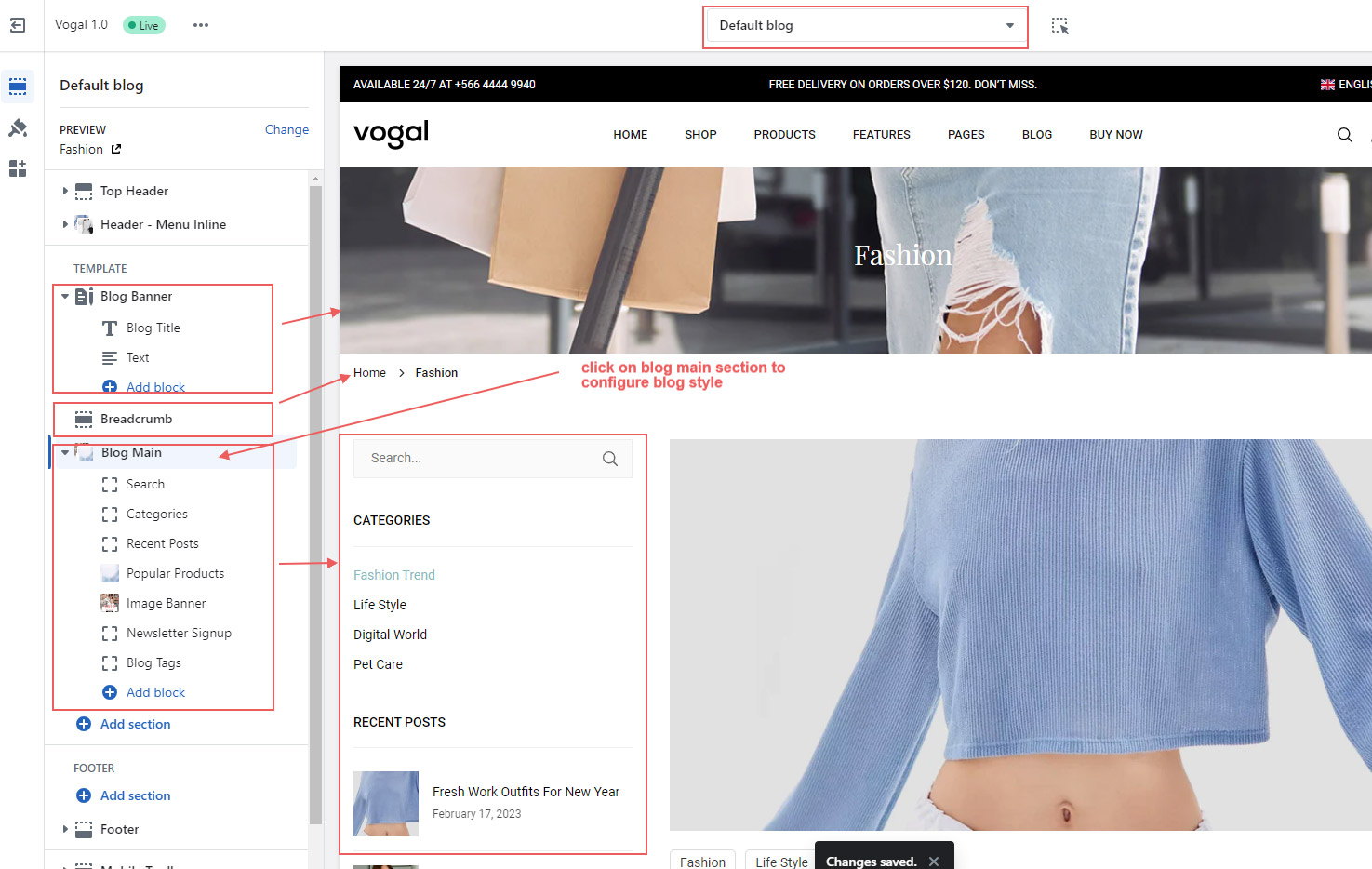
* In the theme editor, Select **Blogs** -> **Default blog** from top dropdown menu.
* You can see sections **blog banner, breadcrumb** and **blog pages.**
* Click on sections, make necessary change and click **Save**
{% endhint %}
To add blog link in main store navigation, go to your store header, click **Add block -> Single Link**
**Select blogs from Menu Link**