> For the complete documentation index, see [llms.txt](https://adornthemes.gitbook.io/vogal-theme/llms.txt). Markdown versions of documentation pages are available by appending `.md` to page URLs; this page is available as [Markdown](https://adornthemes.gitbook.io/vogal-theme/common-settings/common-settings-in-section.md).
# Common Settings in Section
Below we have shared some common settings that you can see in almost sections.
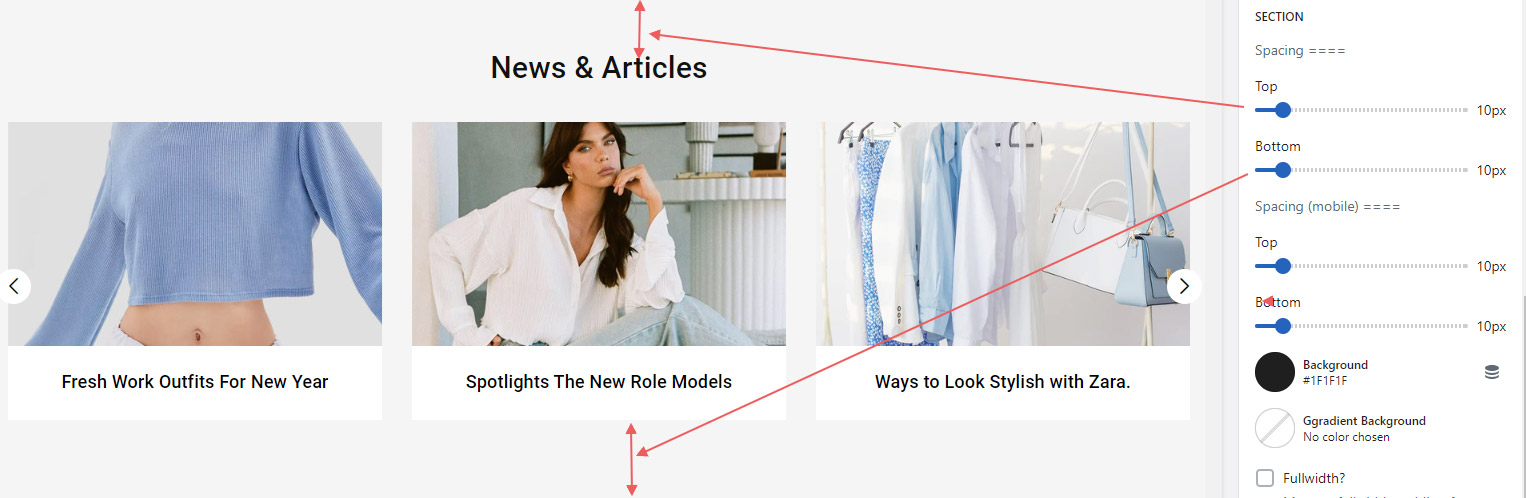
* Section top and bottom space is already set with all sections however you can make change to make it look prefect as per sections position on your store.
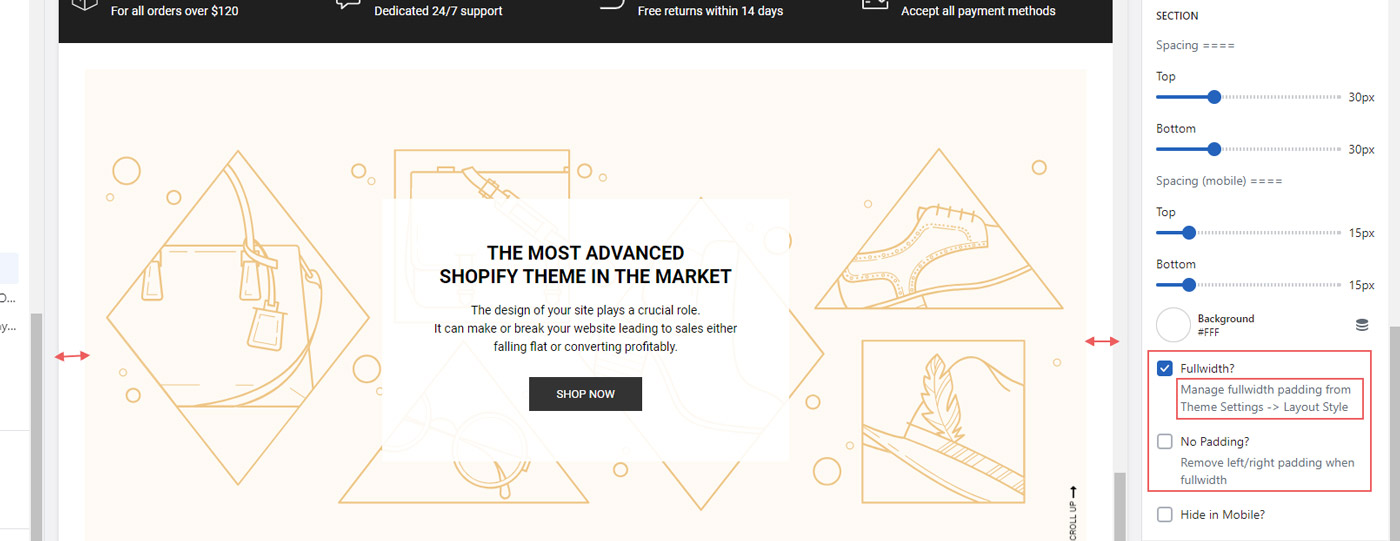
* When you enable fullwidth option from sections, you might see there is padding on left and right side of section. You can manage this side padding from Theme Settings -> Layout Style. This padding is set global for all fullwidth section. Or If you want to **disable this, padding just enable option No Padding** in section.